The iOS App will be shortly made available on the Apple App Store. Till then you can follow the steps below to add the MTD VAT Mobile App to your iPhone/iPad Home Screen and use the App.
1. Open QR Code Scanner on your iOS device.
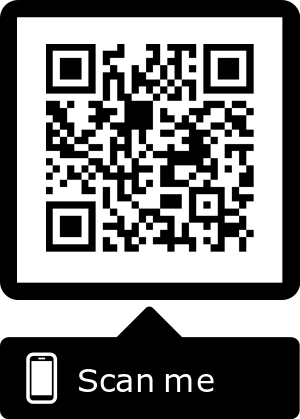
2. With the QR scanning screen open, hold your device in front of the screen on your desktop/laptop computer and scan the QR Code shown here.
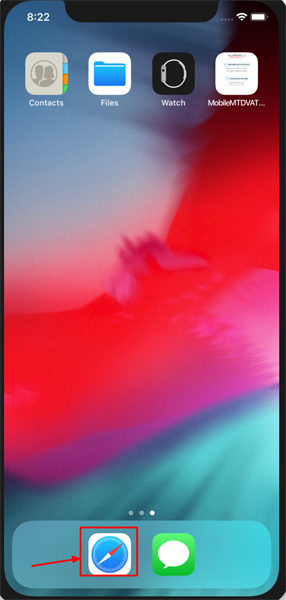
3. Alternatively, open the Safari browser. Other browsers will not work for this.
4. Navigate to the eFileReady website (to save to your home screen), i.e. enter this URL: https://goo.gl/AZb8jp
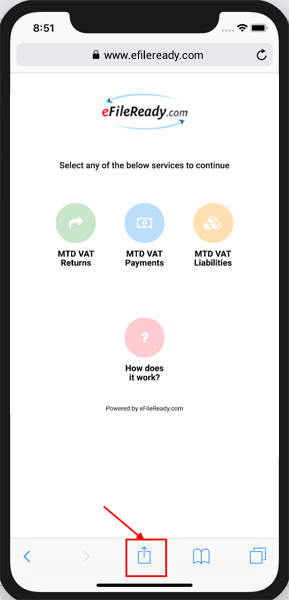
5. Once the URL has loaded, tap the Share icon at the bottom of the page.
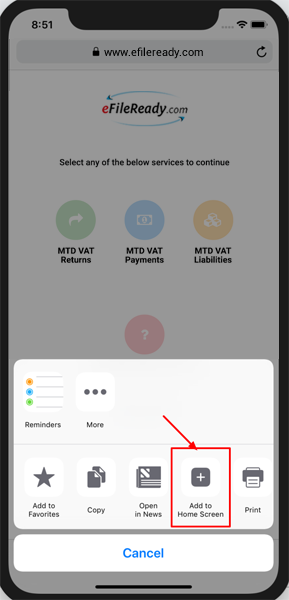
6. On the bottom row of icons, scroll over until you see the Add to Home Screen icon and tap this.
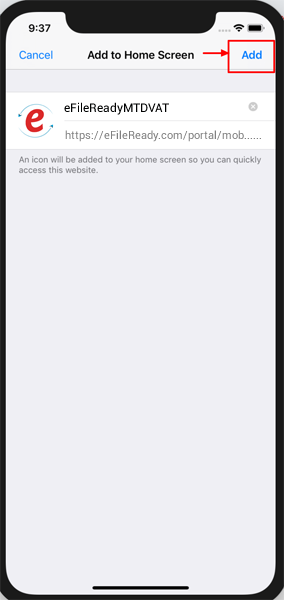
7. On the next screen, you will see the App Icon, App Name and the link. Tap the Add button at the top of the screen.
8. Now just tap the new app on your home screen, and it will open the website in its own navigation window, independent of Safari.